Self-Guided Digital Tours: A Simple Way to Explore Without an App
The way people explore destinations is evolving. Today’s visitors expect convenient access to information, stories, and interactive experiences without having to download a separate application. Self-guided digital tours offer a simple solution, allowing museums, attractions, events, and tourism organizations to provide engaging experiences directly through a mobile browser.
With a browser-based tour platform, creating and publishing a visitor experience is easier than ever. Add your own content, customize the design to reflect your organization’s identity, preview the experience, and make it accessible to visitors through a QR code. No complicated development process or advanced technical skills are required.
What Are Self-Guided Digital Tours?
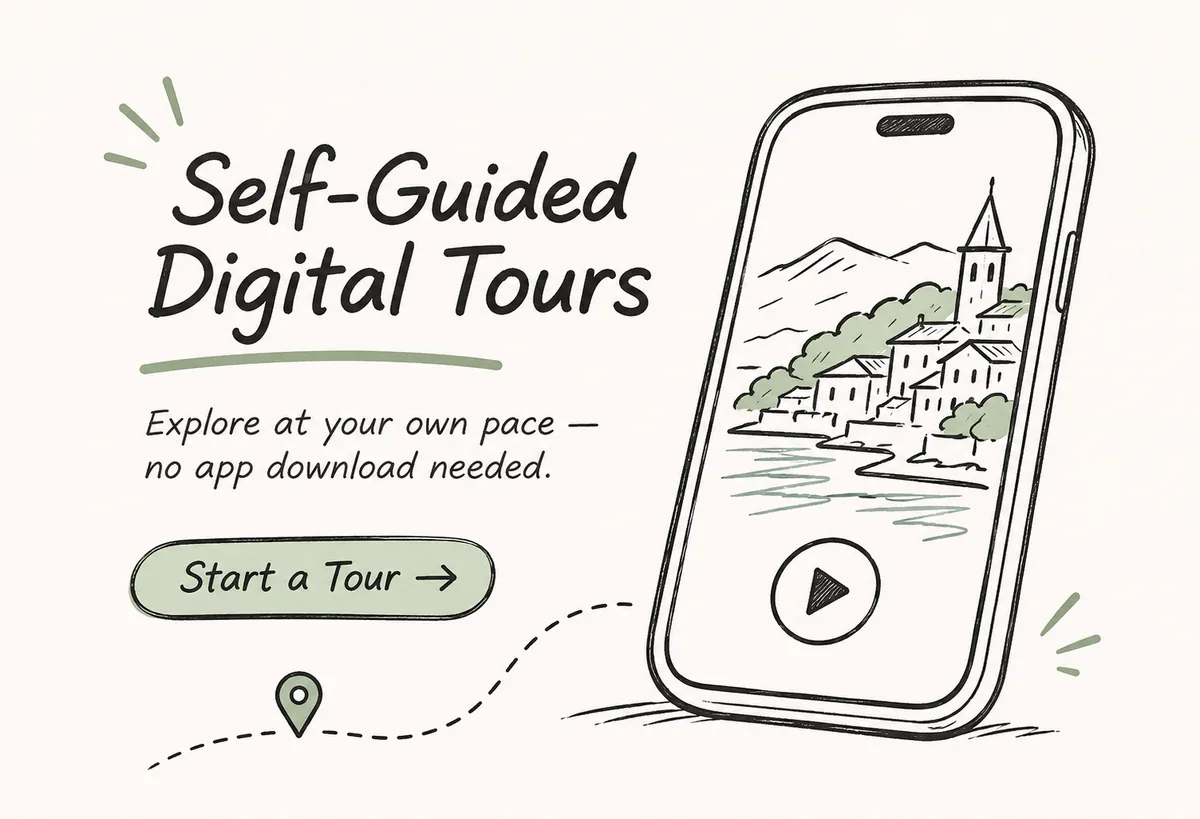
Self-guided digital tours are interactive experiences that allow visitors to explore a destination independently using their smartphones. Instead of following a traditional guided group, visitors can access information and multimedia content whenever and wherever they choose.
By scanning a QR code, visitors can open a tour directly in their mobile browser and start exploring without installing an application.
A digital tour can include different types of content, such as:
- Audio guides – Share stories, explanations, and commentary that visitors can listen to while exploring.
- Images and galleries – Present photographs, historical materials, and visual information.
- Videos – Add engaging audiovisual content to highlight important places or exhibits.
- Written descriptions – Provide background information, interesting facts, and educational material.
- Interactive maps – Help visitors navigate locations and discover points of interest.
- External links – Connect visitors to additional resources, websites, and relevant information.
Combining these elements creates a more engaging and informative experience while allowing visitors to explore at their own pace.

Why Choose a Browser-Based Tour?
Traditional mobile applications often require development, maintenance, and approval before becoming available to visitors. They also ask users to download an app before accessing its content.
Browser-based tours offer a more straightforward alternative. Visitors simply scan a QR code, open the experience, and begin exploring.
This approach offers several advantages:
- No installation required – Visitors access the tour directly through their smartphone browser.
- Quick and convenient access – QR codes make digital content easy to find at entrances, exhibits, and points of interest.
- Works across devices – Experiences can be accessed from compatible smartphones and tablets.
- Flexible content management – Update descriptions, images, audio, and other materials as your needs change.
- Independent exploration – Visitors choose their own pace and decide which content they want to explore.
For organizations, this means fewer barriers between visitors and the information they want to share.
Create an Experience That Reflects Your Brand
A digital tour should feel like a natural extension of your organization. Customization options make it possible to create an experience that matches your visual identity and communicates your message consistently.
Depending on the platform and available templates, you can personalize:
- Colors and logos to match your brand identity.
- Banners and visual elements to introduce your destination or attraction.
- Page layouts and templates to organize information clearly.
- Multimedia content including audio, images, videos, and text.
- Navigation options such as map-based or list-based browsing.
The result is a cohesive digital experience that feels connected to your destination rather than like a generic visitor guide.
How to Create Your First Digital Tour
Launching a self-guided digital experience doesn’t have to involve a lengthy development process. With a suitable content management platform, you can prepare and publish a tour through a few straightforward steps.
1. Prepare Your Content
Gather the information you want to share with visitors. This may include audio recordings, photographs, videos, descriptions, directions, and other educational materials.
2. Build Your Tour
Organize your content into individual locations, exhibits, or points of interest. Create a logical structure that makes it easy for visitors to navigate the experience.
3. Customize the Design
Add your logo, choose suitable colors, and select a layout that reflects your organization and the type of experience you’re creating.
4. Preview and Test
Review the tour on different mobile devices to check how the content appears and ensure that navigation and media work as expected.
5. Publish and Share
Make the experience available online and provide visitors with a QR code they can scan to access the tour.
Once published, visitors can explore your content directly through their browsers.

Designed for Different Destinations and Experiences
Self-guided digital tours can be adapted to a wide range of environments, making them useful for organizations that want to share information, tell stories, and improve visitor engagement.
Here are some examples:
- Museums and Galleries – Provide audio commentary, exhibition descriptions, historical information, and multimedia content for individual exhibits.
- Historical and Cultural Sites – Bring local heritage, architecture, and important stories to life through accessible digital guides.
- Tourist Attractions – Help visitors discover interesting locations, learn about their surroundings, and explore at their own pace.
- City Tours and Walking Routes – Create independent sightseeing experiences featuring maps, audio stories, and points of interest.
- Nature Trails and Outdoor Destinations – Share information about landscapes, wildlife, local history, and natural landmarks.
- Events and Festivals – Give attendees convenient access to schedules, venue information, interactive maps, and event-related content.
Whether the goal is to educate, entertain, or provide practical information, a browser-based tour can be adapted to suit different audiences and locations.
Make Every Visit More Accessible
Visitors have different preferences, languages, and accessibility requirements. A well-designed digital tour can help accommodate a wider audience by offering multiple ways to access information.
Multilingual content makes it easier to welcome international visitors, while audio and visual materials provide alternatives to traditional written guides. Clear navigation and accessible content presentation can also help create a more inclusive experience.
When planning a tour, consider your audience, the devices they are likely to use, and the accessibility features needed to make the experience comfortable for everyone.
Flexible Options for Different Projects
Not every digital tour has the same requirements. A temporary exhibition may only need a short-term solution, while a museum or tourist attraction might require a permanent visitor guide.
Flexible subscription options and content management tools can help organizations adapt their digital experiences to different project durations and budgets.
Whether you’re preparing a one-time event, a seasonal attraction, or a long-term tourism project, choosing a solution that can grow and change with your needs makes managing the experience easier.
Ready to Create Your Own Self-Guided Tour?
Give visitors a convenient way to discover your destination through engaging digital content. With browser-based tours, you can combine audio, images, videos, maps, and informative descriptions into one accessible experience — without requiring visitors to download an application.
Explore the possibilities, prepare your content, and create a digital guide that reflects your organization’s identity.
Start building your own interactive visitor experience and make exploring easier for everyone.